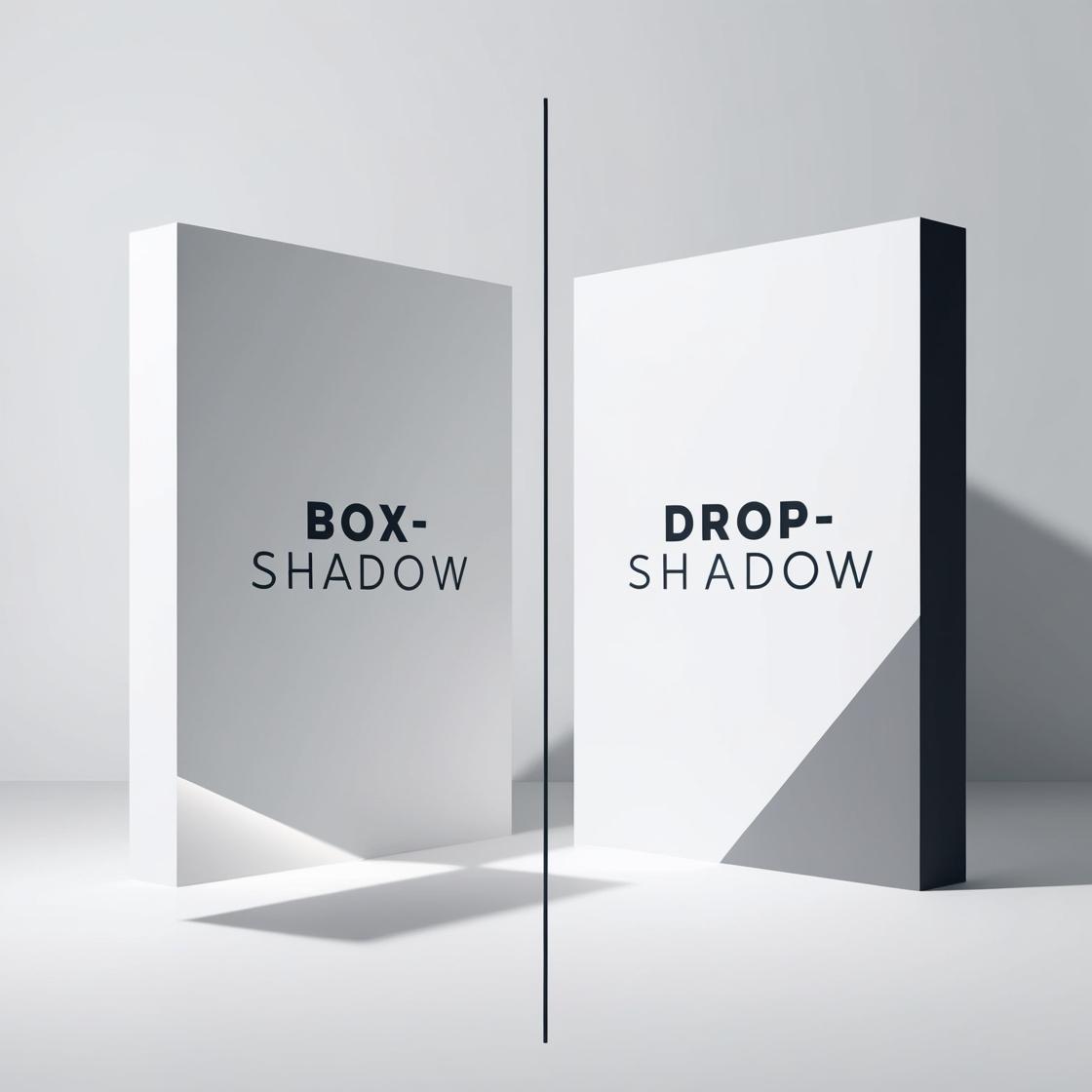
The main difference lies in the elements they affect. Box-shadow is used to create shadow effects around the entire element's box, including its padding and border, whereas Drop-shadow is a CSS filter that applies a shadow effect only to the element's visible content, ignoring padding, border, and margin. Box-shadow is more flexible for general shadow effects, while Drop-shadow is typically used for images or other media elements.
-
Box-shadow adds shadows to an element's box model (e.g., div, button).
-
Drop-shadow applies shadows based on the content's shape (ideal for images, icons, SVGs).
-
Use box-shadow for standard elements like cards and containers.
-
Drop-shadow is perfect for transparent images or complex shapes with irregular borders.