WordPress is known for its user-friendly interface, which makes it an excellent choice for beginners. It offers a simple dashboard where users can manage content, install themes and plugins, and customize their website without needing coding knowledge. The large community and vast array of tutorials make it easy to find help when needed.
Why Choose WordPress CMS? What Makes This CMS Stand Out?
Learn the essential skills and steps to become a full stack developer. Start your journey today with this comprehensive guide for beginners!
Last Update: 15 Oct 2024
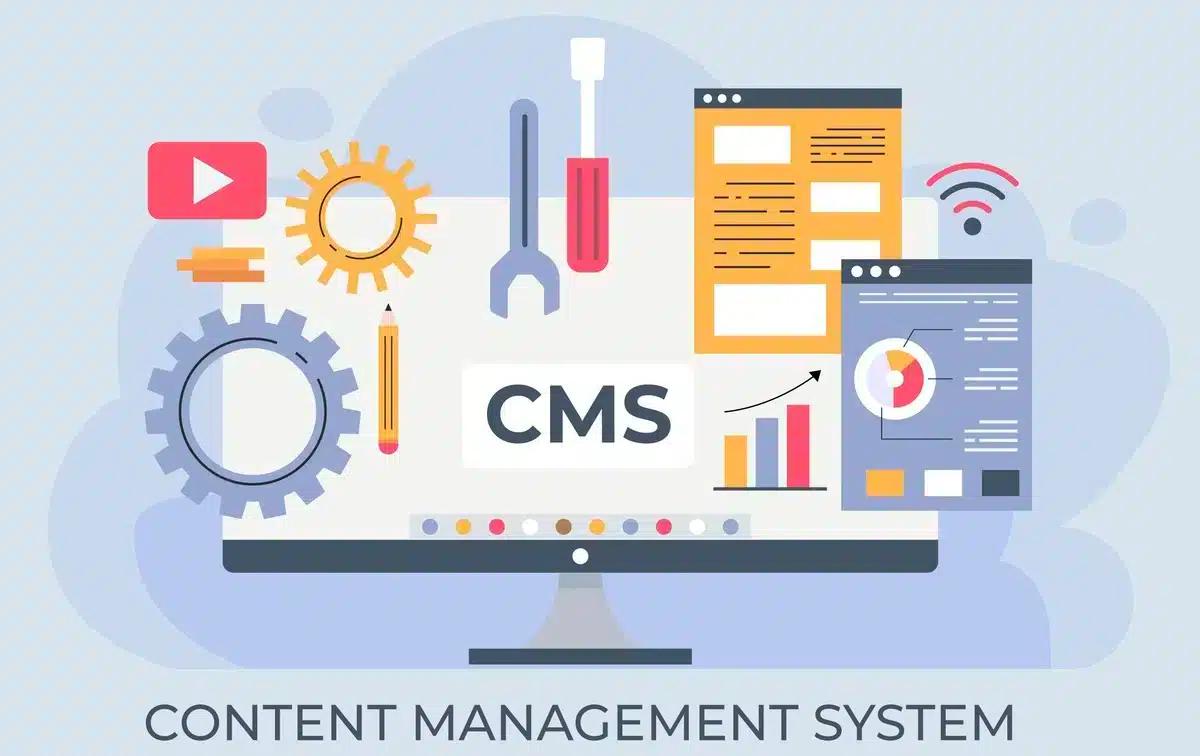
Effortless Content Management
Content marketing plays a crucial role in the success or failure of your business. However, producing quality content alone isn't enough; you also need tools that help your content shine. This is where WordPress excels.
With its vast array of features and tools, WordPress simplifies creating, organizing, and publishing content. Additionally, WordPress makes it simple to embed multimedia elements into your web pages, blog posts, and other types of content, enabling you to create compelling material that connects with your audience and generates leads.
SEO Advantages
WordPress is inherently SEO-friendly and has numerous tools to optimize posts and pages, enhancing your site’s visibility to search engines. WordPress is an excellent choice if you want to improve your SEO strategy and increase your website's rankings.
The Yoast SEO plugin, in particular, is a powerful tool that helps resolve on-page SEO issues. It also offers guidance on internal linking and assists in setting up page and post titles, meta descriptions, and keywords.
Design Flexibility
WordPress is compatible with thousands of free and premium themes, allowing users to easily create a variety of websites or blogs. Beyond its intuitive and user-friendly admin panel, WordPress enables users to customize their web pages with just a few clicks.
Drag-and-drop page builders, like Elementor (free) and WPBakery Page Builder (premium), make it effortless to design stunning page layouts and insert content without any coding knowledge.
Built-In Blogging Functionality
Although WordPress was initially developed as a blogging platform, its growing popularity eventually led to its adaptation for website development. For those who enjoy sharing their knowledge and ideas, WordPress offers seamless blogging functionality.
The platform makes it easy to create blog posts, as it comes with built-in tools specifically designed for content writing.
Social Media Integration
Social networking has become one of the most popular online activities, and it’s projected that by the end of 2019, approximately 2.77 billion people will be using social media worldwide. WordPress supports social sharing features, allowing users to easily share your content with just a click of a button.
With the help of free or premium plugins, you can integrate social media functionality into your WordPress site. If you're looking for guidance, there are comprehensive guides available on how to add social share buttons in WordPress.
Easily Sell Products Online: eCommerce Integration
WordPress allows you to effortlessly set up an eCommerce store for selling both physical and digital products. WooCommerce, the most popular eCommerce plugin for WordPress, provides robust features for managing products, inventory, and orders directly from the admin panel. It also supports multiple payment gateways, including Cash on Delivery options.
How to Get Started with WordPress
Getting started with WordPress is easier than with any other CMS. Follow these three quick steps to launch your first WordPress website:
-
Obtain a Domain and Web Hosting
There are many hosting providers, such as HostGator, Bluehost, and SiteGround. For beginners, A2 Hosting is a solid choice due to its competitive pricing and excellent technical support. For larger organizations that prioritize fast-loading websites, WP Engine hosting is highly recommended, though it comes at a higher cost. You can save money by using WP Engine coupon codes. -
Install WordPress via cPanel
Once you've purchased your hosting plan, log in to your hosting account’s cPanel and install WordPress. -
Access Your WordPress Dashboard
After installation, log in to your WordPress Dashboard with the credentials you set during setup. From here, create your pages and set up your menu, and your first WordPress website will be live.
Conclusion
While there are many content management systems available, WordPress is unmatched in terms of resource efficiency, time savings, and cost-effectiveness.
Frequently Asked Questions

We are the Mediusware Editorial Team, passionate about crafting insightful content on technology, software development, and industry trends. Our mission is to inform, inspire, and engage our audience with well-researched articles and thought leadership pieces. With a deep understanding of the tech landscape, we aim to be a trusted source of knowledge for professionals and enthusiasts alike.



Get the best of our content straight to your inbox!
By submitting, you agree to our privacy policy.