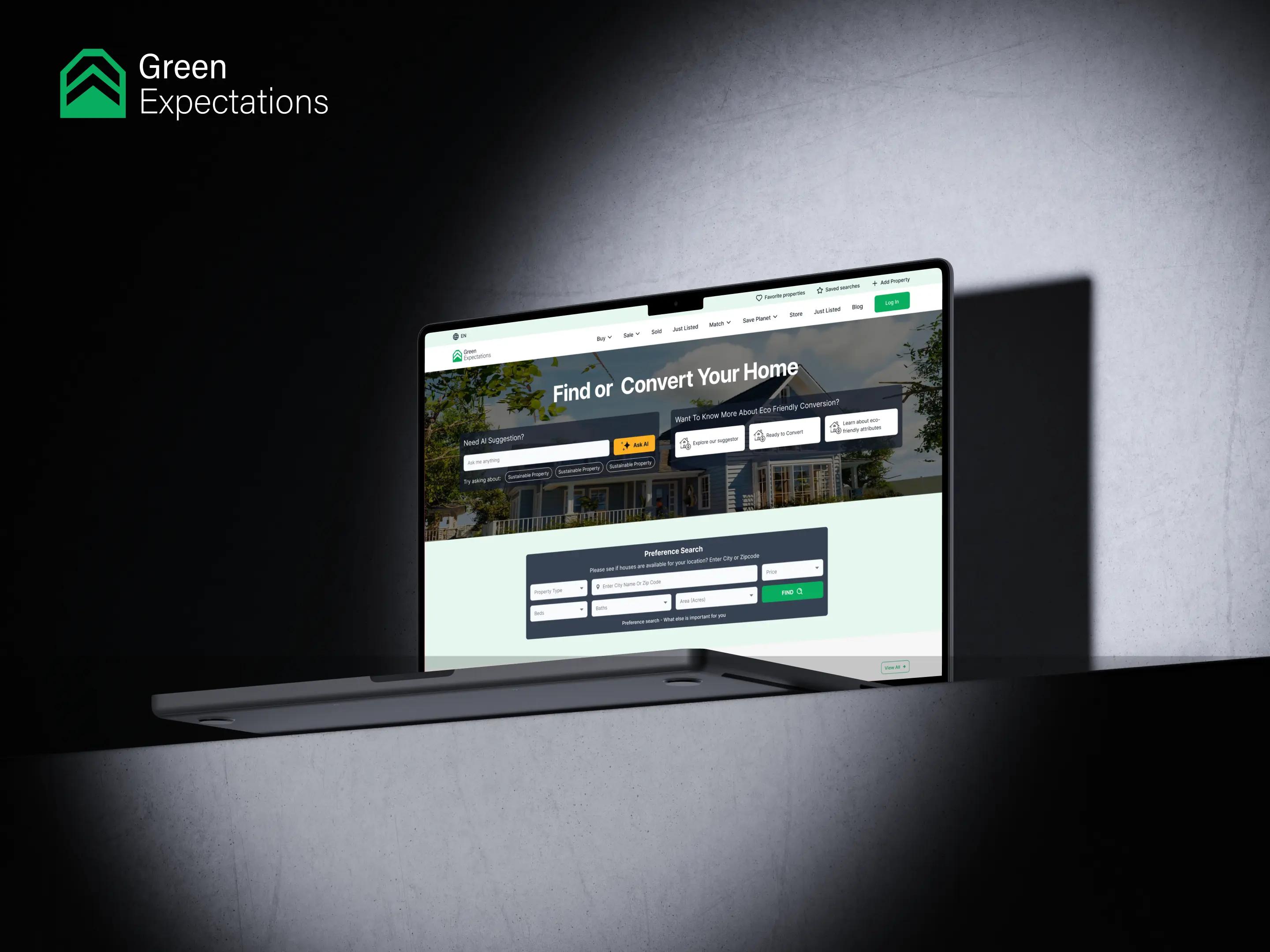

Transforming Real Estate with Greenify
DevelopmentDesign
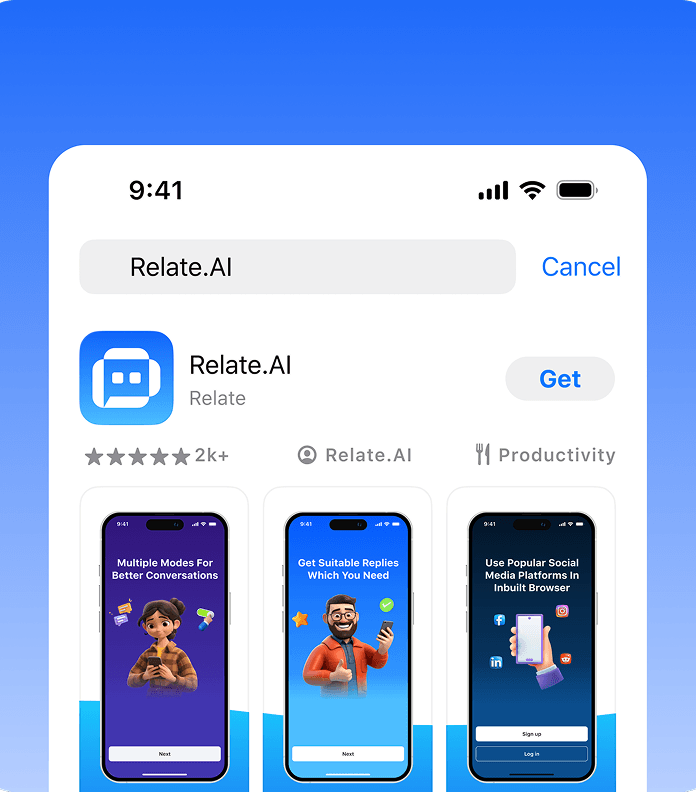
Relate AI helps creators, professionals, and social media users generate context-aware replies using artificial intelligence. The app is designed to reduce the time spent writing responses while helping users maintain a consistent tone, engage more conversations, and strengthen their online presence. From quick reply generation and tone adjustment to scheduling and multilingual support, Relate AI brings essential social communication tools into one connected mobile experience.
Business Goals
Relate AI set out to simplify the repetitive process of writing replies across social platforms. The primary goal was to help users respond quickly without sacrificing personality, relevance, or communication quality. The wider objective was to increase user productivity, support stronger social engagement, and create a scalable AI subscription product for individuals, creators, and professional users.

Challenges
The app needed to simplify response writing while preserving relevance, authenticity, and user control.
The AI needed enough information to generate replies connected to the original message rather than producing broad or unrelated responses.
Users required different tones for professional, friendly, casual, humorous, or thoughtful conversations.
The experience needed to remain useful for casual users, creators, professionals, and people managing higher volumes of social engagement.


Process

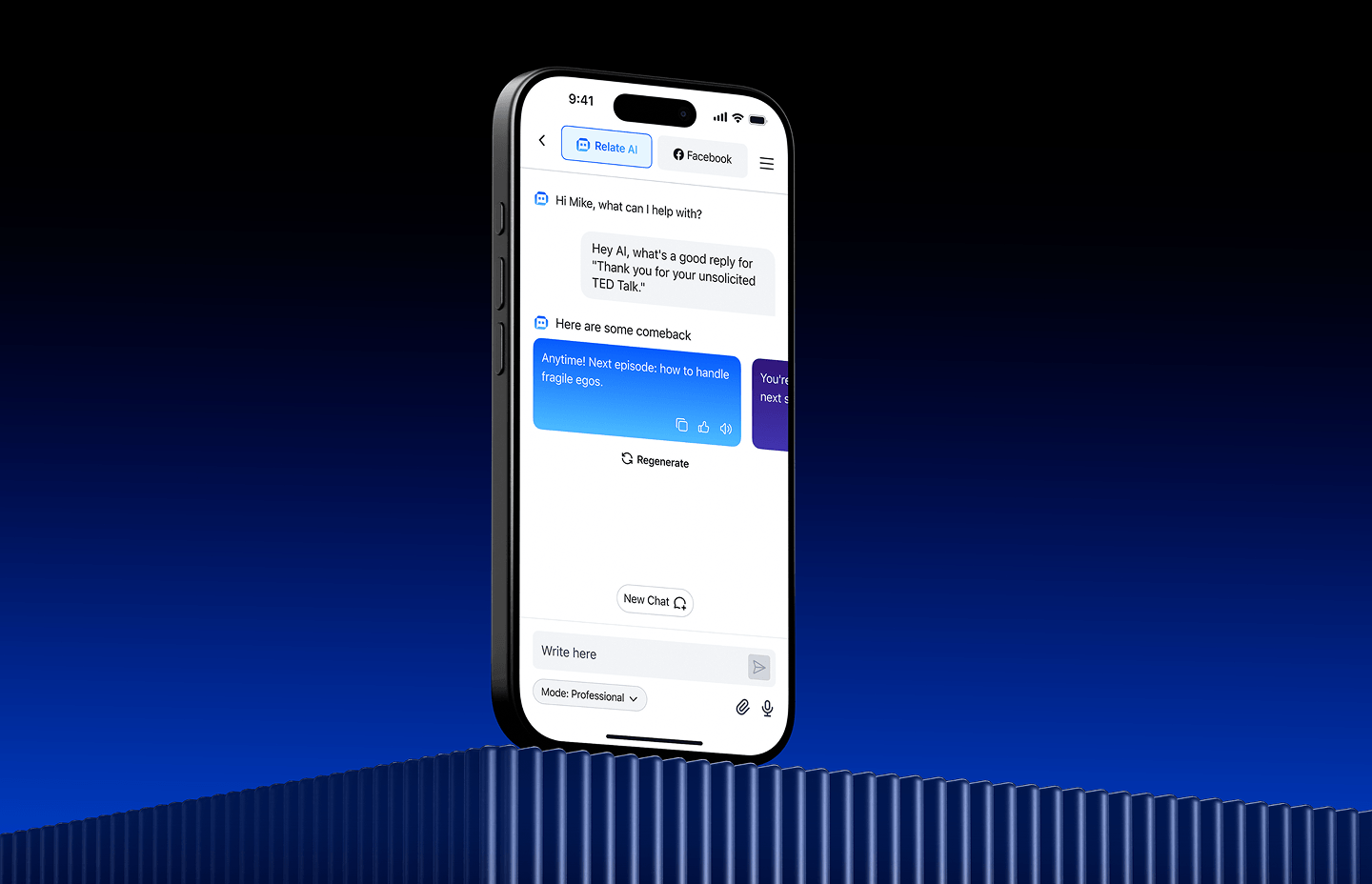
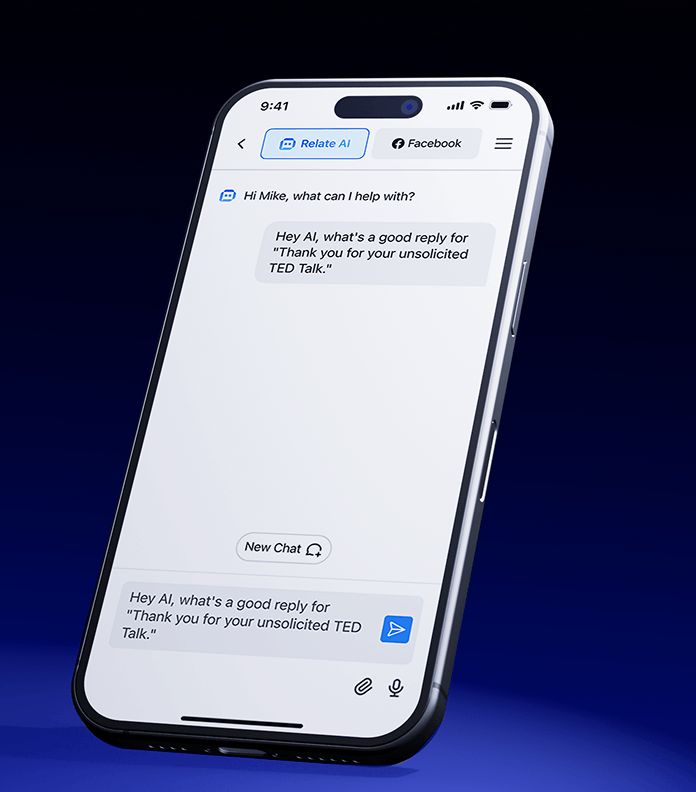
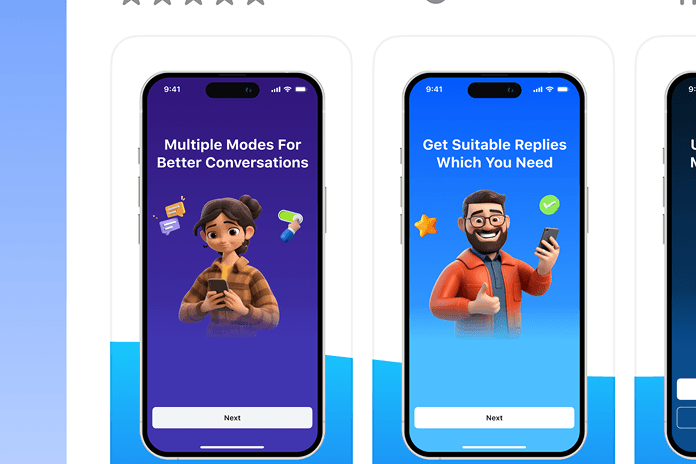
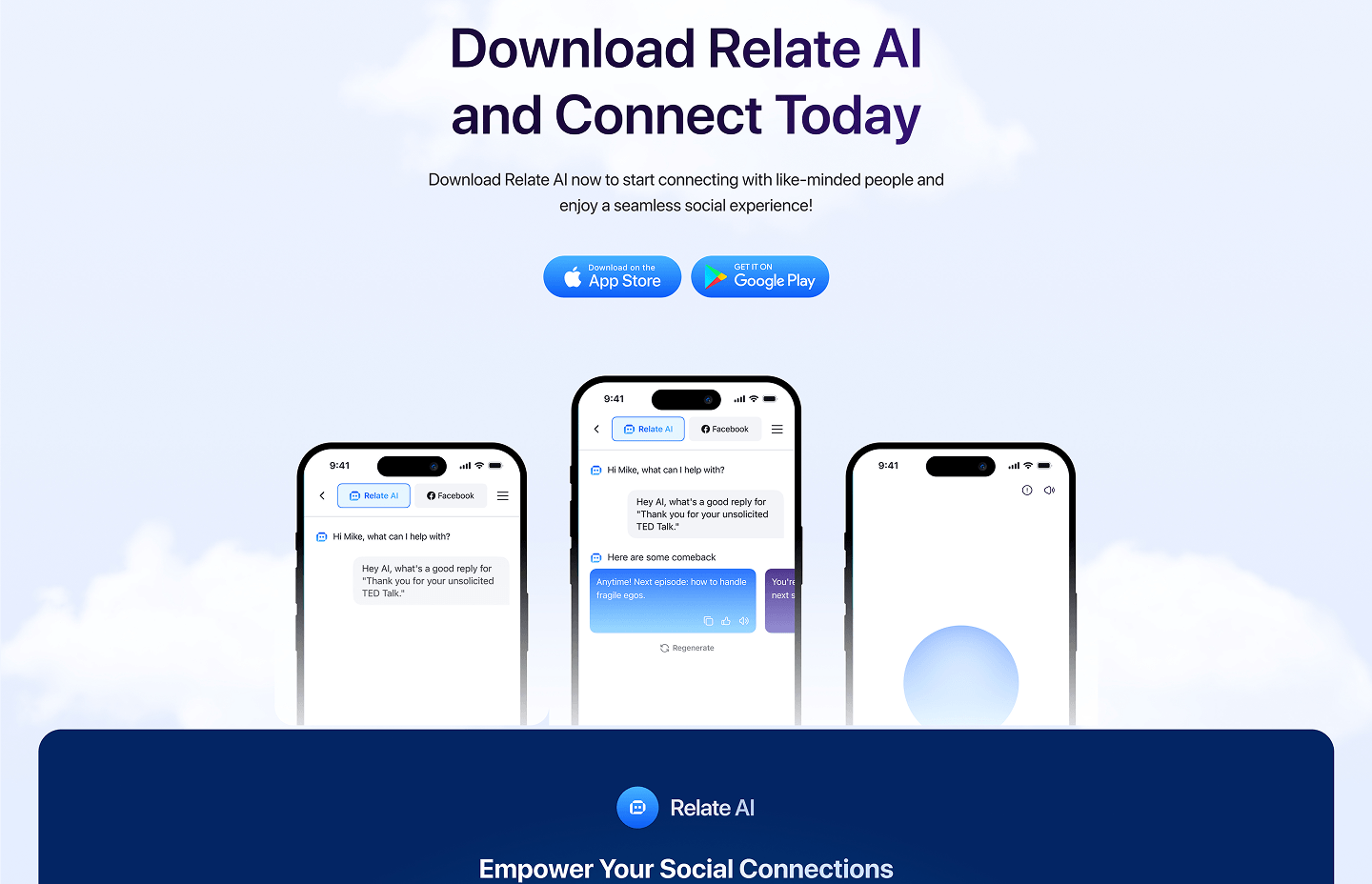
The Relate AI chat experience gives users one focused workspace to generate, review, and refine replies for different social platforms. Users can enter a message, receive context-aware response suggestions, switch between connected channels, and regenerate options until the tone feels right.
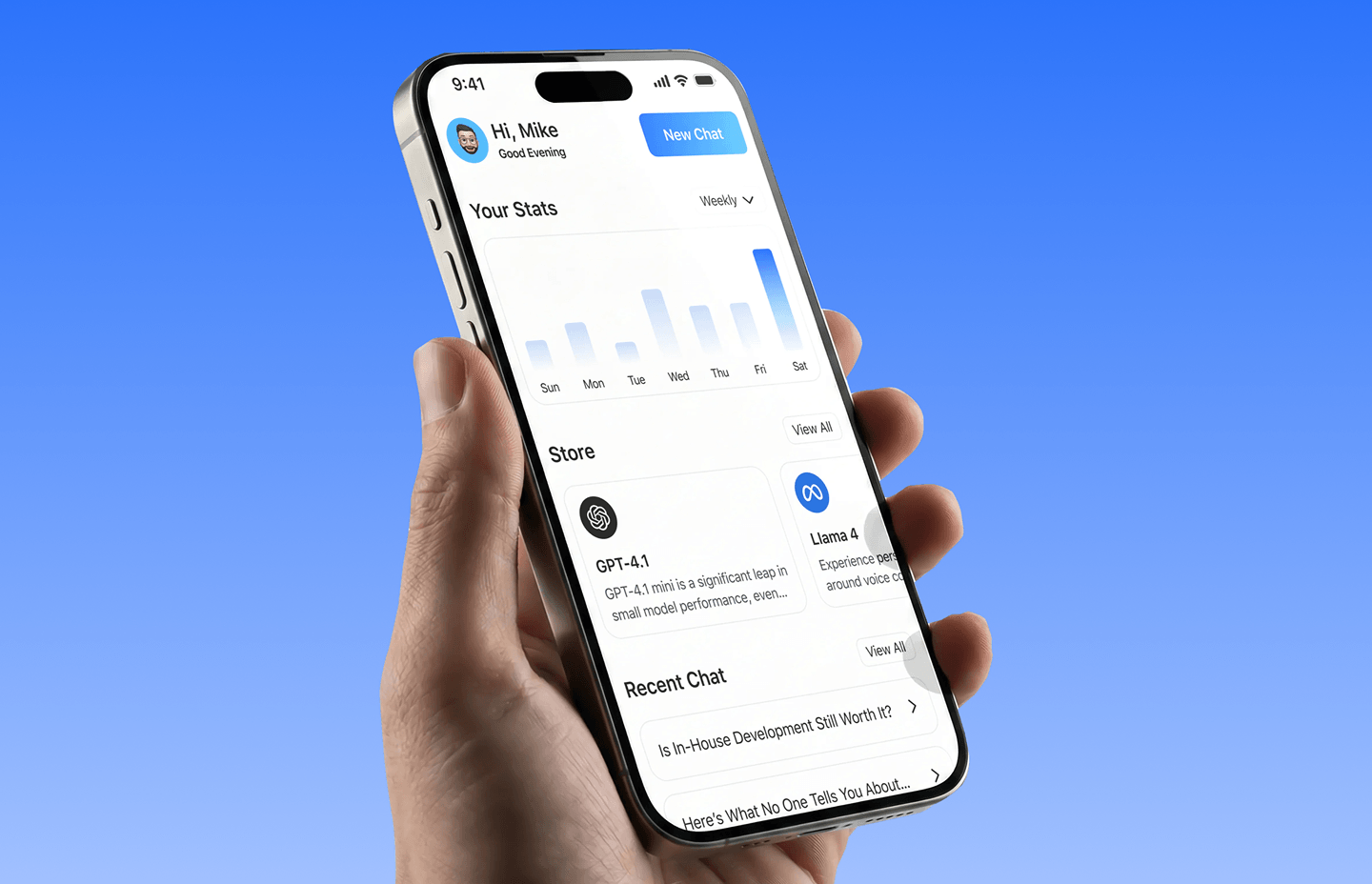
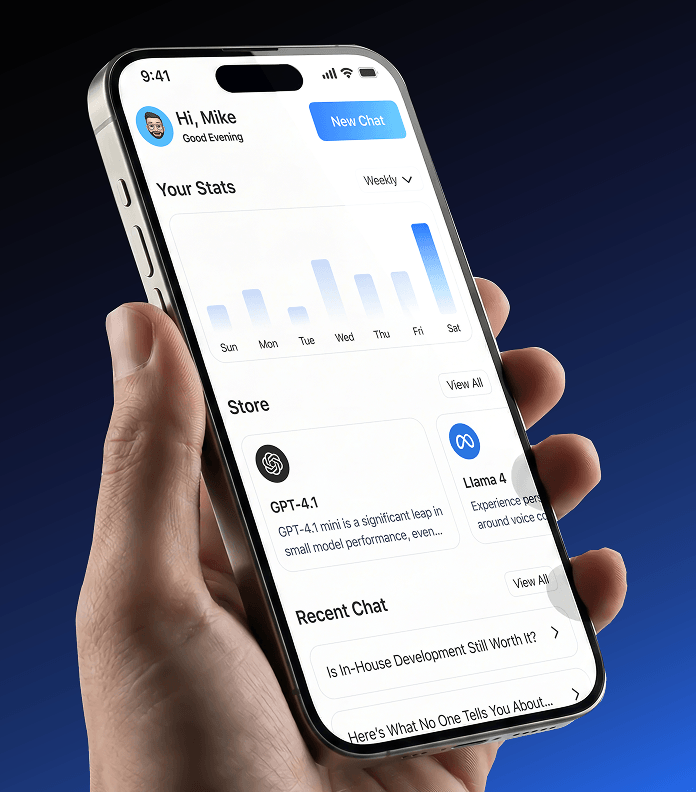
The Relate AI dashboard gives users a clear overview of their AI usage, recent conversations, connected social platforms, and available tools from one mobile workspace. Users can quickly review activity, reopen recent chats, explore supported AI models, and start a new reply-generation session. Simple analytics, organized shortcuts, and recent chat history help users understand their engagement patterns and continue important conversations with less effort.
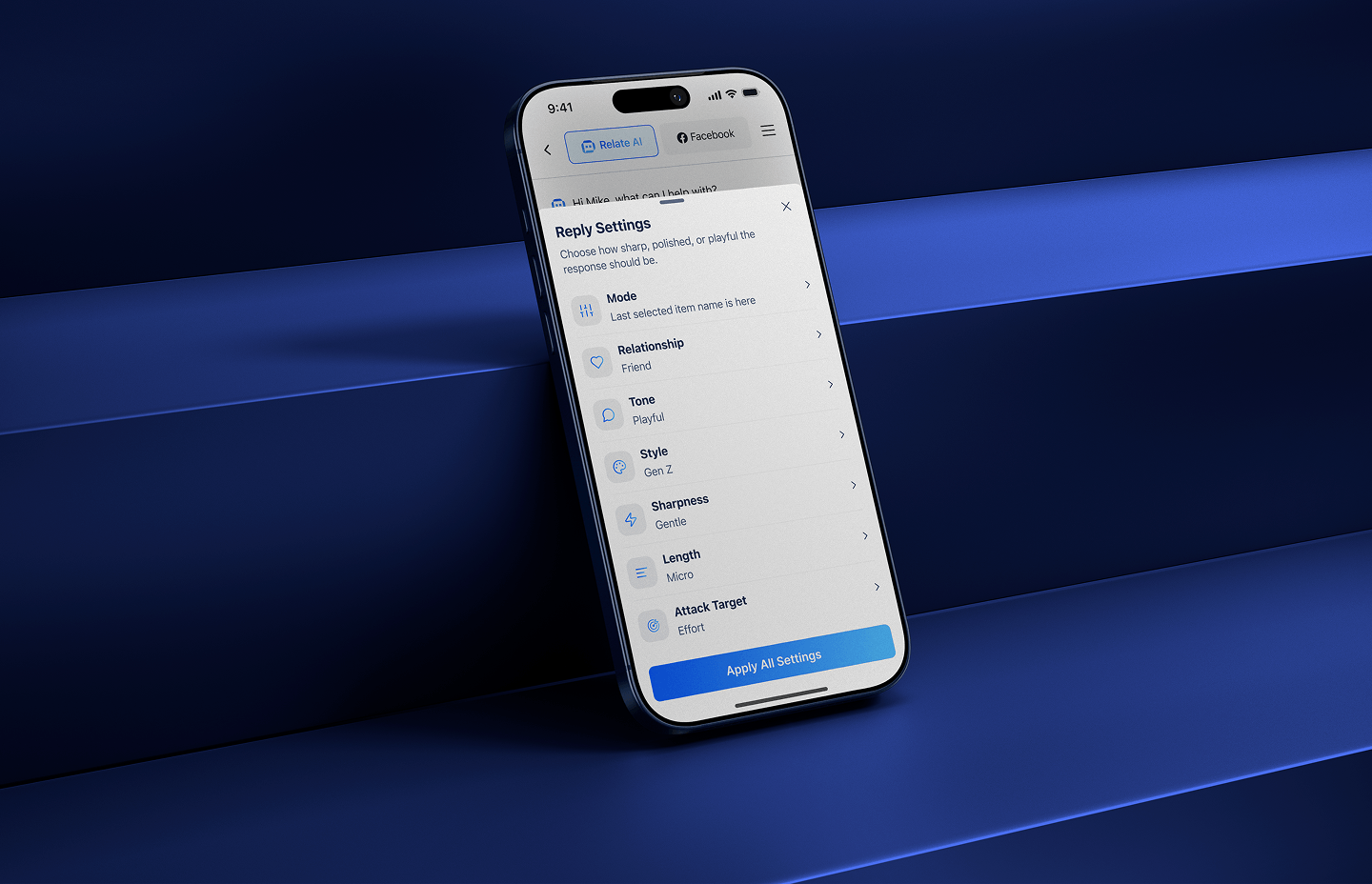
Relate AI gives users precise control over how every AI-generated response should sound and feel. Before applying the settings, users can customize the reply mode, relationship context, tone, writing style, sharpness, length, and intended impact.
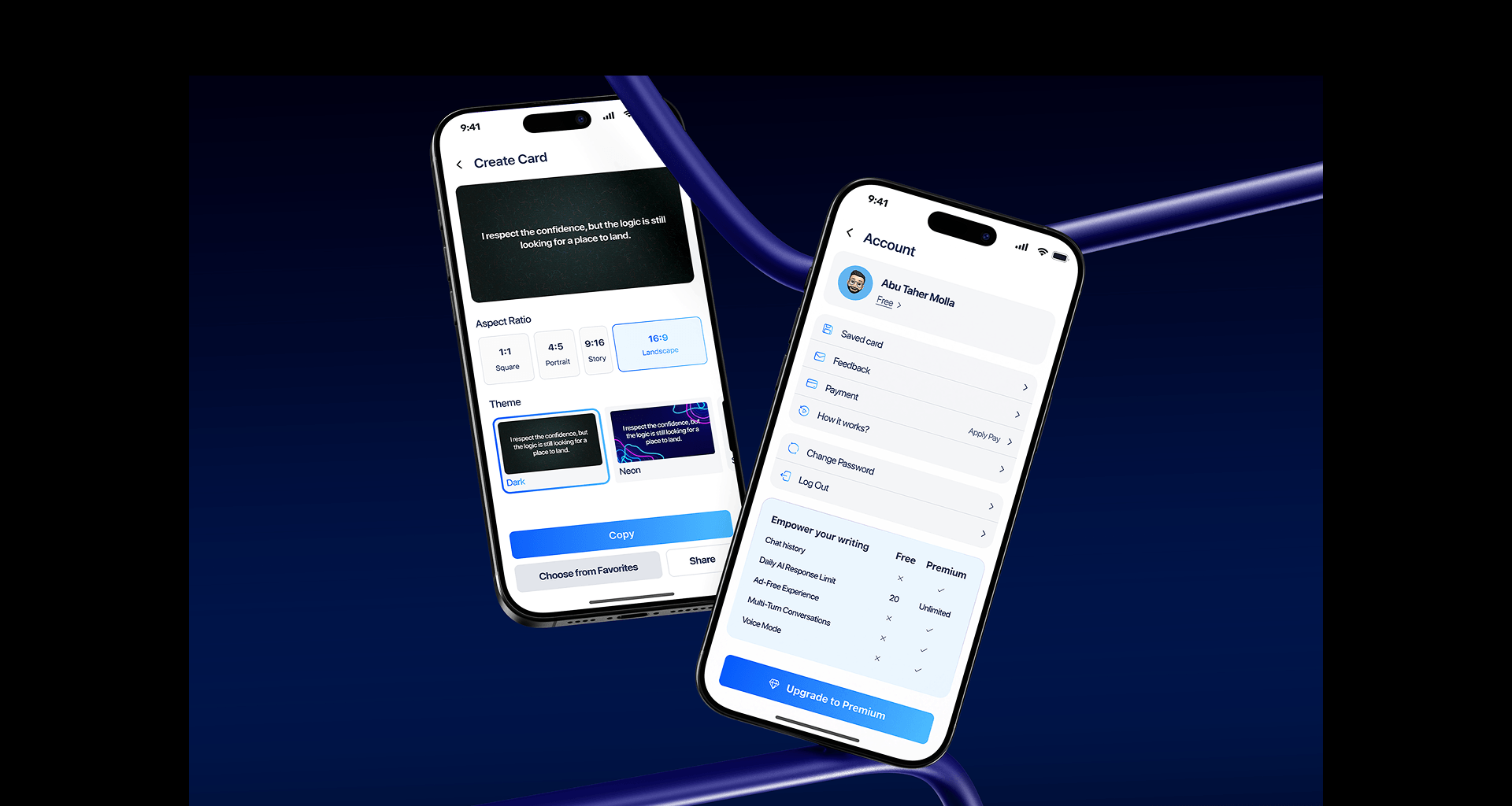
Relate AI allows users to turn generated replies, quotes, and social content into polished visual cards. Users can choose an aspect ratio, apply a preferred theme, copy the text, save the design to favorites, or share it directly across social platforms. The account experience keeps saved cards, feedback, payments, password settings, and subscription details organized in one place. Clear plan comparisons also help users understand available features and upgrade when they need more advanced AI writing tools.
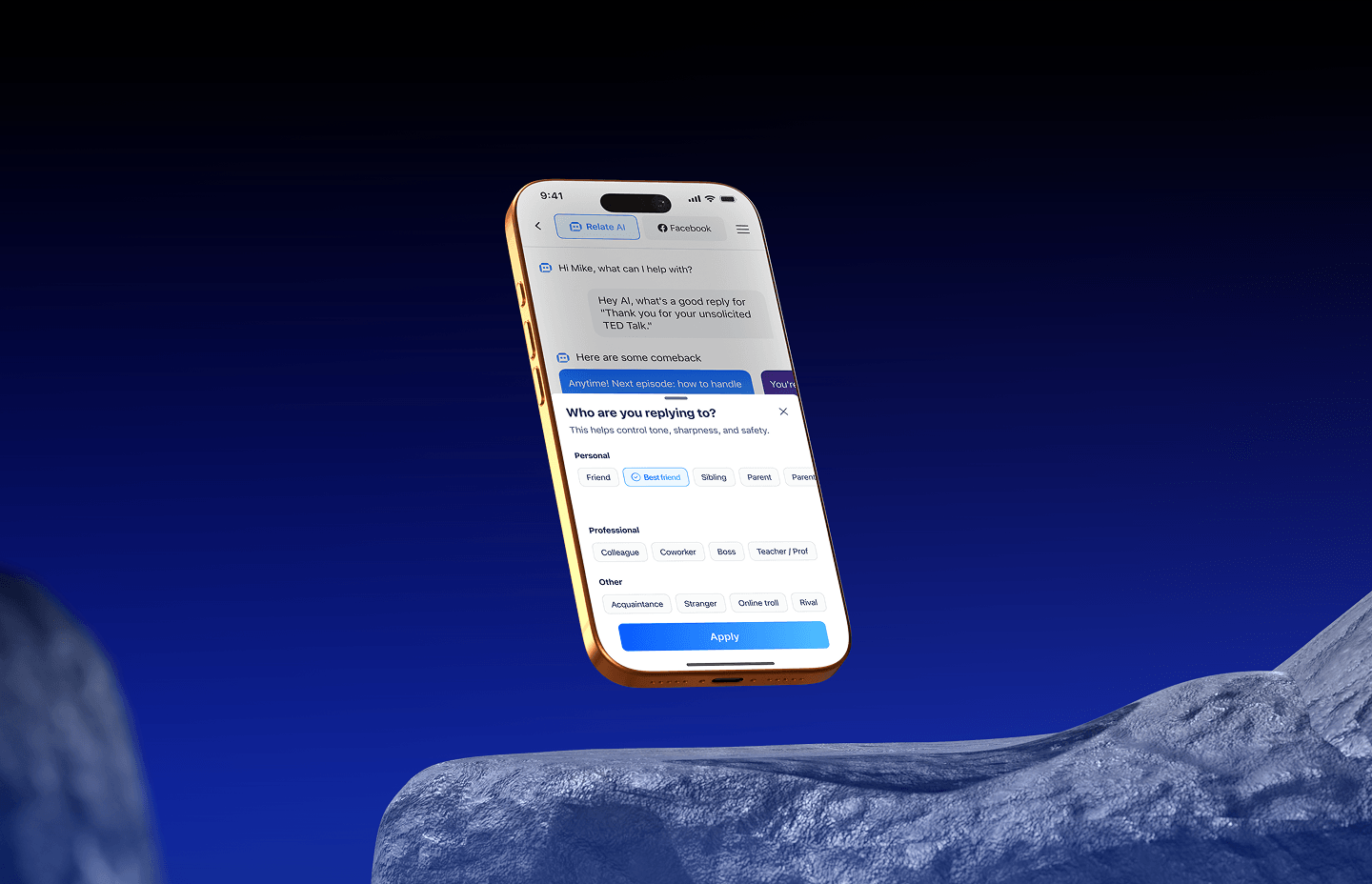
Relate AI lets users define who they are replying to before generating a response. Users can choose personal, professional, or situational relationship types—such as partner, friend, coworker, manager, customer, or family member—so the AI can better understand the social context. This helps each reply feel more appropriate, natural, and emotionally aligned with the conversation, reducing the risk of responses that sound too formal, too casual, or disconnected from the relationship.
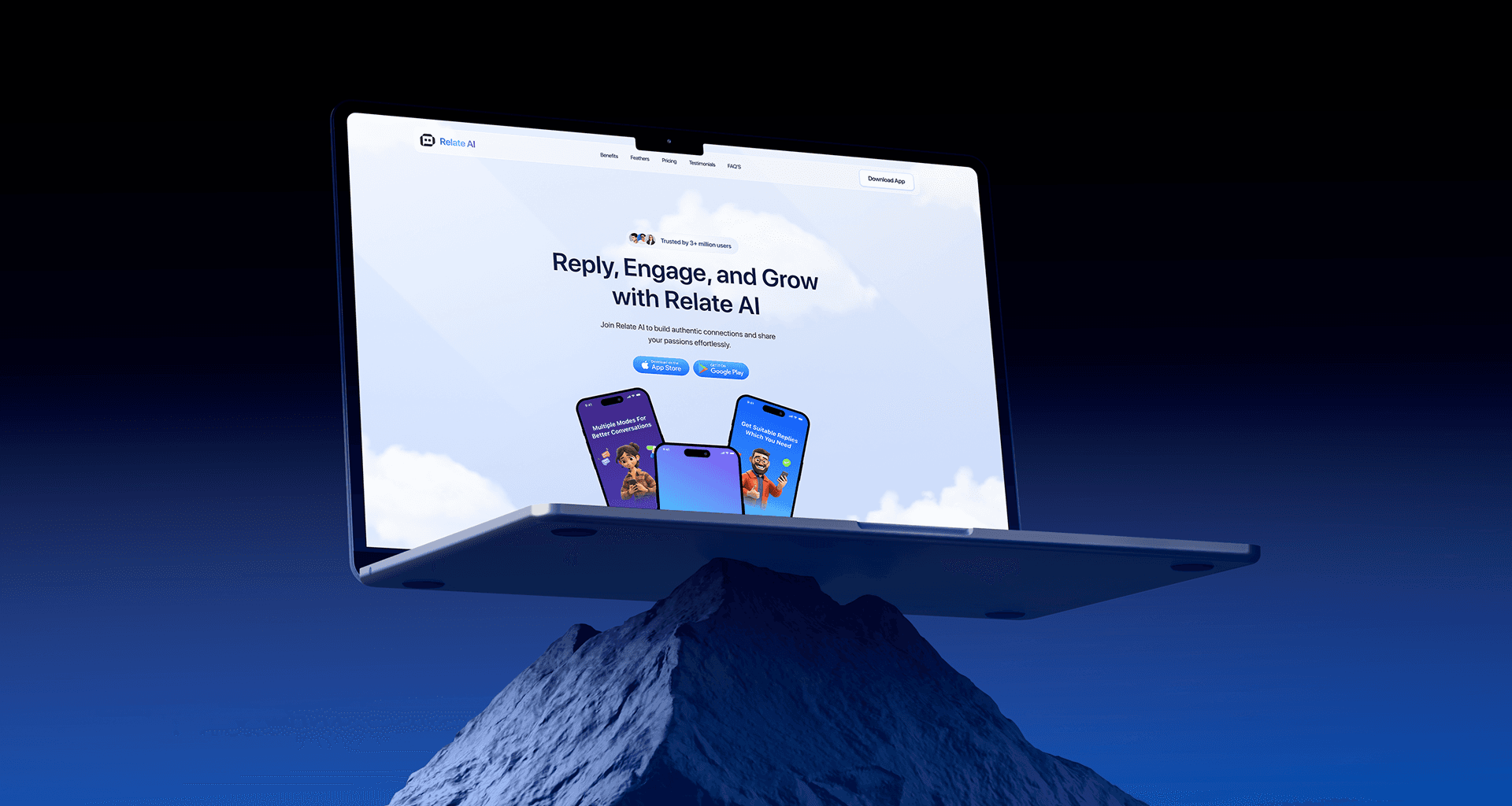
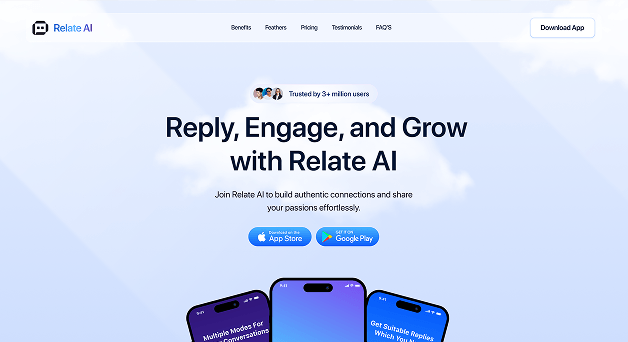
From the hero message and feature highlights to pricing plans, testimonials, FAQs, and download CTAs, every section of the Relate AI landing page follows one unified visual and content system. Clear hierarchy, consistent cards, focused messaging, and repeated conversion actions help visitors quickly understand the product, compare plans, and move toward downloading the app. The responsive marketing experience also keeps product benefits, social proof, pricing, and AI capabilities easy to scan across devices, creating a landing page that feels clear, trustworthy, and conversion-focused from first impression to final action.
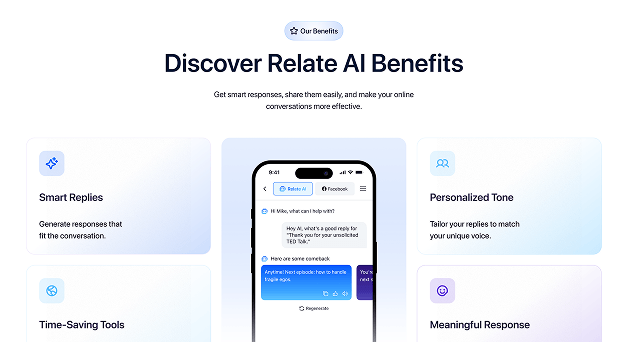
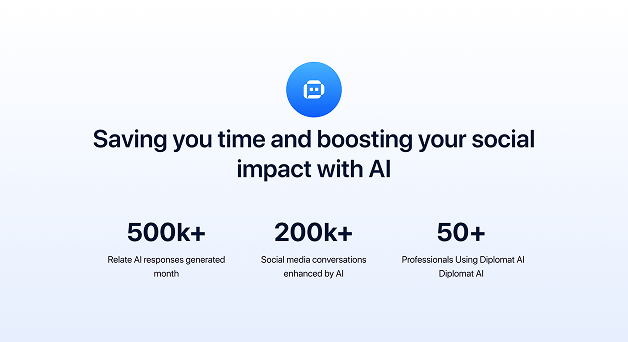
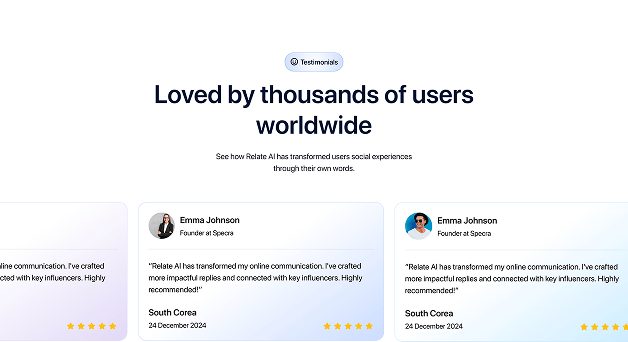
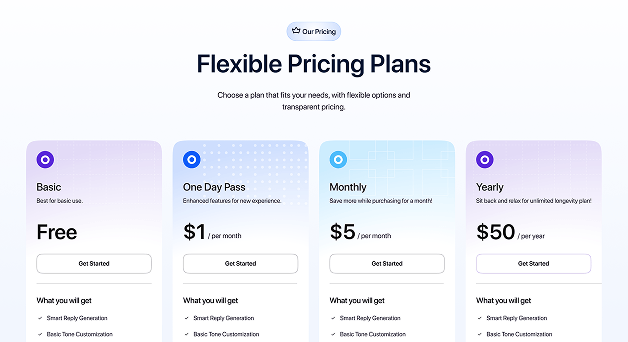
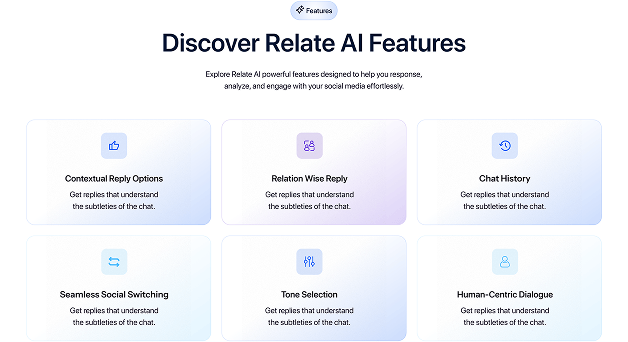
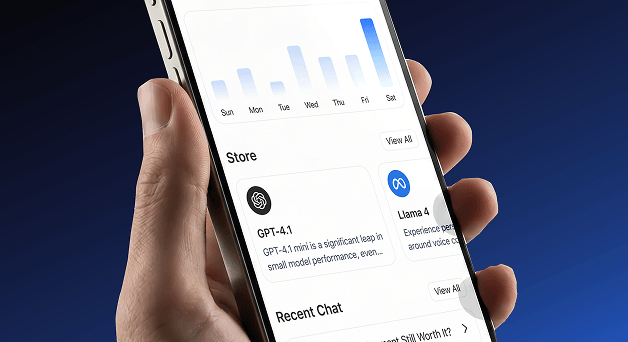
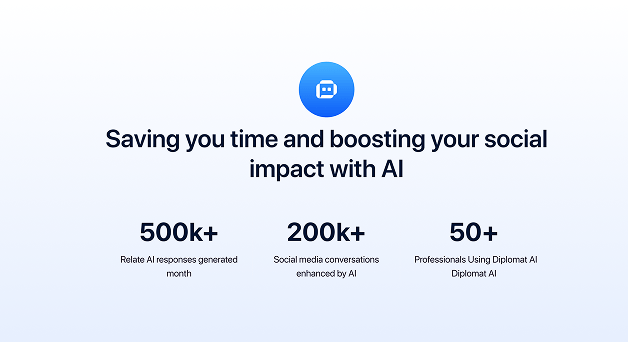
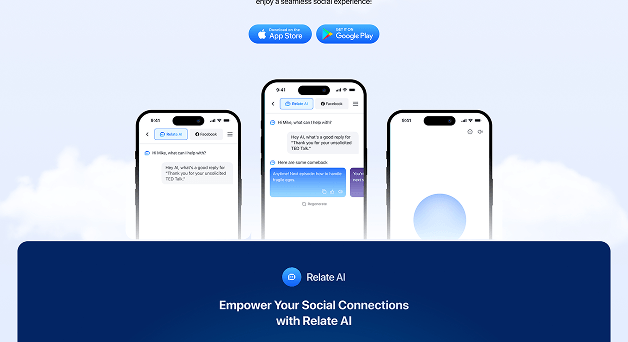
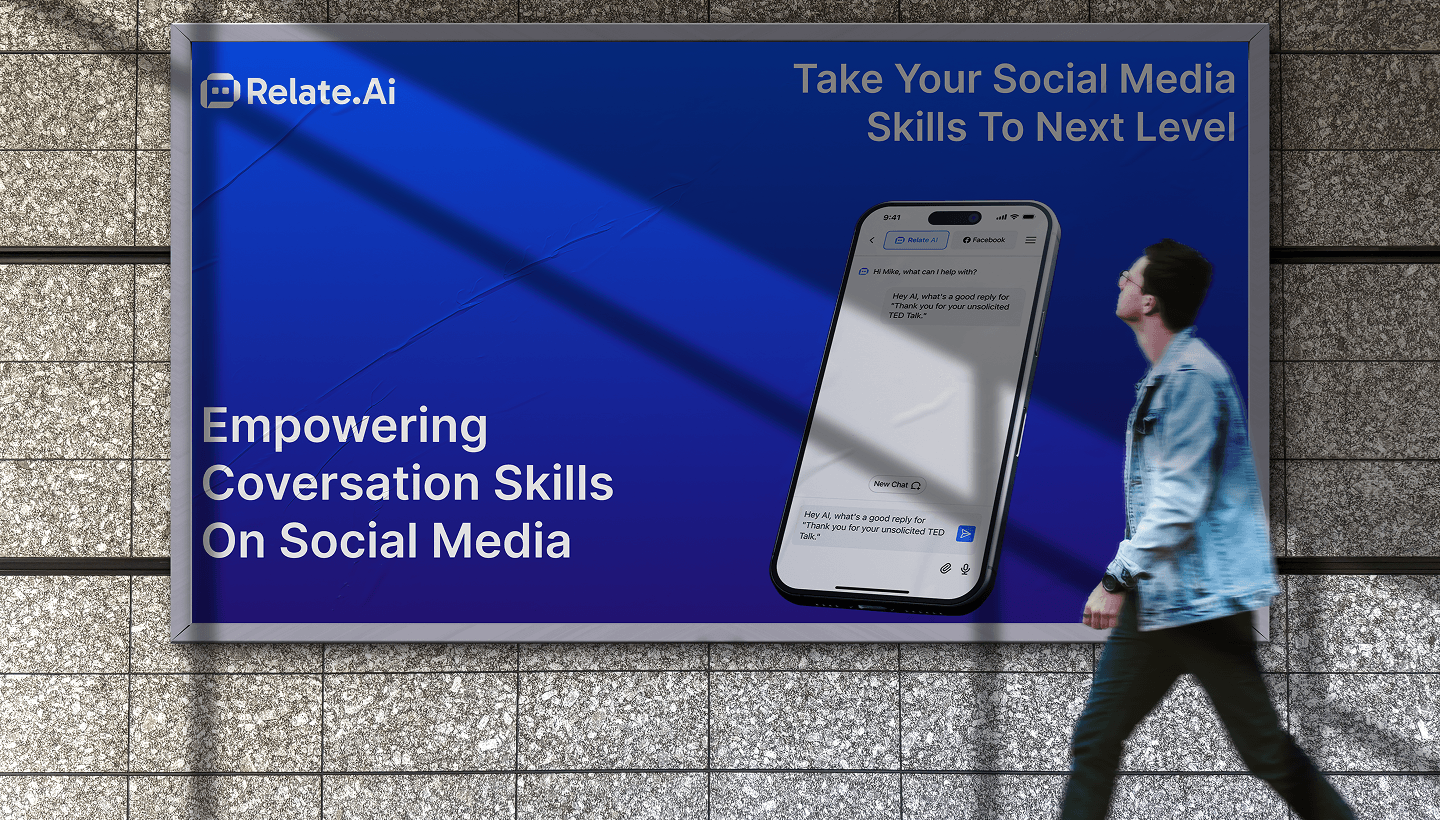
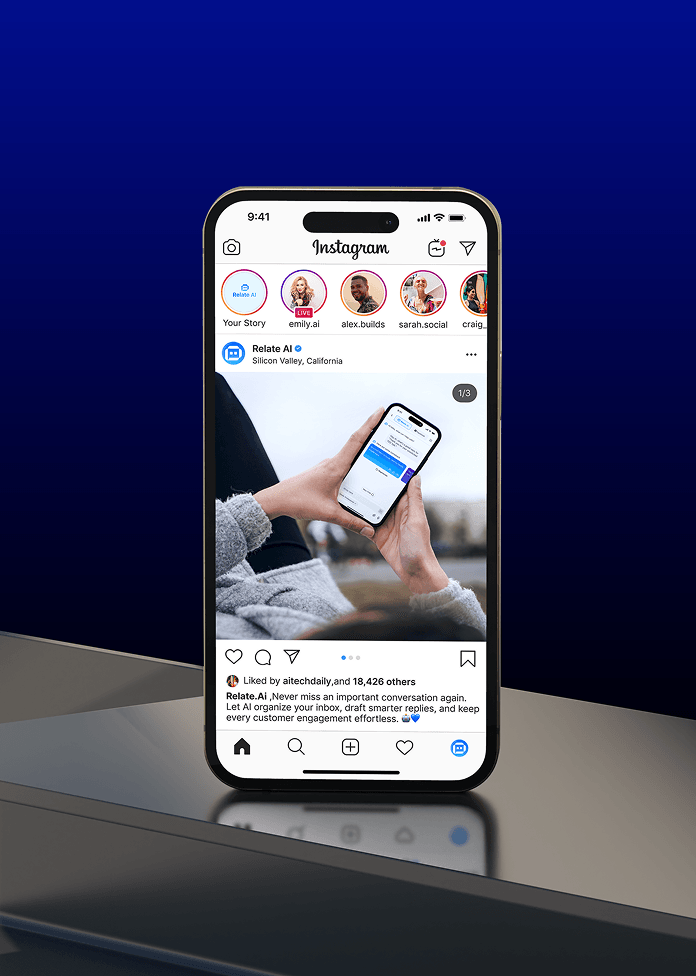
Relate AI brand identity was designed to feel intelligent, approachable, and socially connected. The visual direction combines confident blue tones, soft gradients, clean typography, and mobile-first product imagery to communicate trust, speed, and modern AI assistance. Consistent branding across the mobile app, marketing website, pricing plans, feature sections, testimonials, and social content helps users recognize key actions, understand the product quickly, and feel confident using AI to improve everyday communication.


Faster Reply Creation
More Consistent Engagement
Faster Reply Creation

Mediusware helped us turn a complex training process into a structured digital experience for both trainees and organizations. The platform gives learners clear direction while giving organizations visibility they need to monitor progress & readiness.
CEO, Relate AI

Our case studies show how Mediusware helps businesses solve complex problems through practical technology, design, and engineering.