


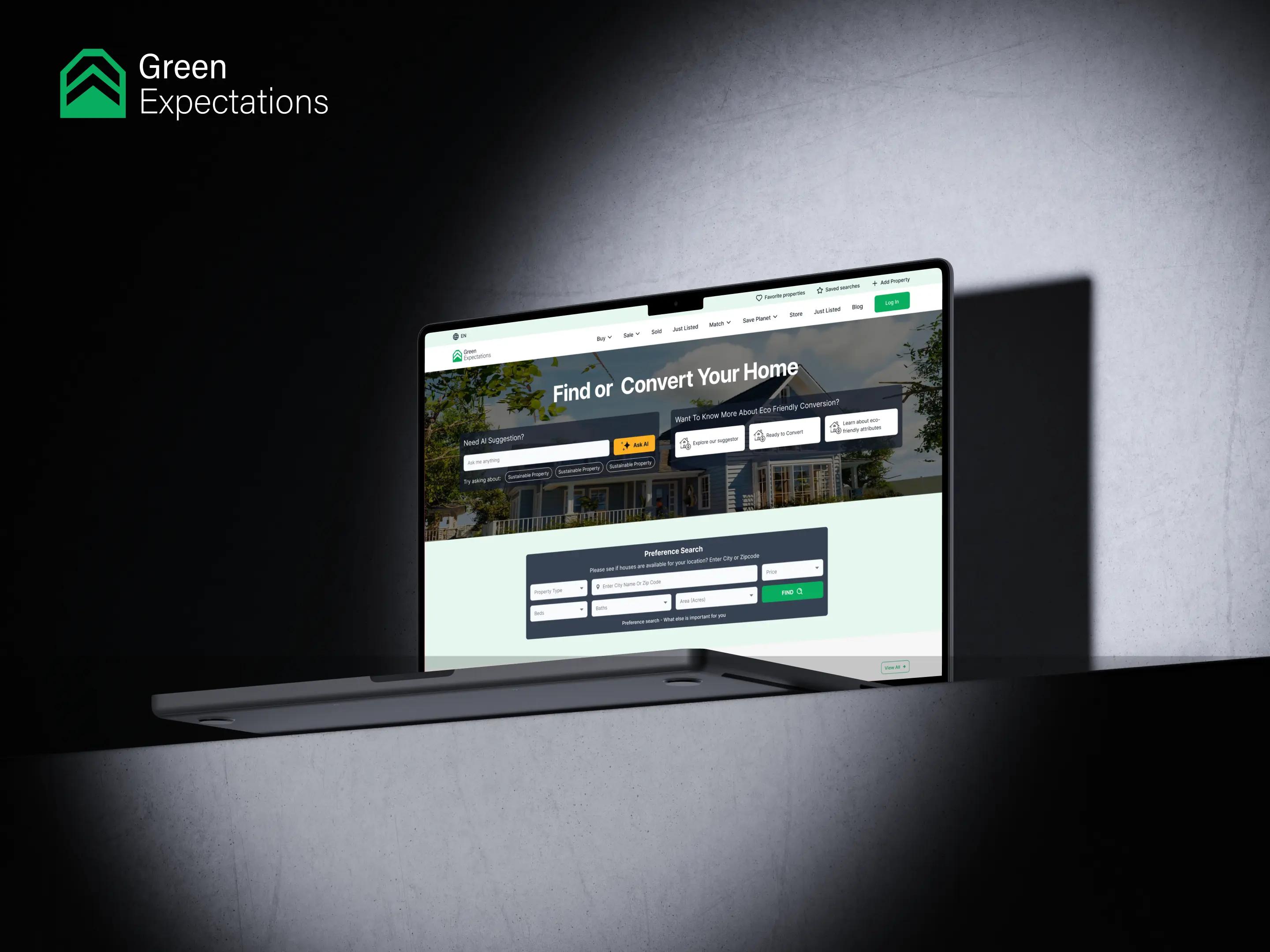

Transforming Real Estate with Greenify
DevelopmentDesign

From product interfaces to brand visuals, Mediusware provides end-to-end design support for startups, SaaS companies, enterprises, and growing digital businesses.

Global companies trust our UX experts for clearer interfaces, faster user flows, and better product outcomes - with teams ready to start in one week.
We offer premium branding and visualization services designed to enhance your brand presence, captivate your audience, and create compelling visual narratives that resonate with your target market.
We dive deep into user insights to create digital products that not only meet their needs but exceed their expectations.
We offer top-tier graphic design services crafted to enhance brand identity, engage your audience, and create impactful visuals that drive results for your business.
Make your brand unforgettable with dynamic motion graphics that captivate, tell your story, and drive real engagement.
We follow a structured design process that connects research, strategy, creativity, execution, and optimization. This helps us design experiences that are not only visually strong but also practical, usable, and business-focused.
We understand your business, users, goals, and design needs.
We define the design direction, prioritize features, and create a roadmap aligned with your business objectives.
We define the layout, hierarchy, interaction logic, and core user flows before visual design begins.
We transform wireframes into polished, engaging interfaces that reflect your brand and provide an exceptional user experience.
Interactive prototypes are tested with stakeholders and users to gather feedback and refine the experience before development.
We prepare development-ready assets, specifications, and documentation to ensure a smooth implementation process.
After launch, we analyze user behavior, collect feedback, and continuously improve the design for better usability and business outcomes.

The value is not the workshop. The value is the confidence to build the right product with fewer expensive mistakes.
Help new users understand value faster and complete the first meaningful action.
Help new users understand value faster and complete the first meaningful action.
Step-by-step UX helps more users finish setup and start using the product.
Better decisions, clearer CTAs, and fewer distractions improve user actions.
Better decisions, clearer CTAs, and fewer distractions improve user actions.
Good design is not only about visual polish. It improves how users understand, trust, adopt, and continue using your product.
Clearer hierarchy, stronger CTAs, and fewer decision points help visitors move from interest to action.
Users understand what to do next, where to start, and how to reach the product’s first meaningful value.
Better flows reduce confusion and make the product easier to explore, repeat, and use confidently.
A smoother customer experience gives users more reasons to stay, return, and trust product long-term.
Many products do not fail because of the idea. They fail because users cannot easily understand, trust, or complete the experience.

The strongest design work is not decoration. It creates measurable changes in how users understand, trust, and use your product.
Confusing UX and unclear user flows
Intuitive experience with clearer next steps
Low engagement after sign-up
Higher adoption and stronger engagement
High drop-off during onboarding
Smoother onboarding with less friction
Weak mobile experience
Responsive experience across devices
Visual inconsistency across screens
Consistent UI system that builds trust
When design decisions become measurable, teams can see how better UX improves business performance.
72% → 98%
45% → 91%
4min → 1.2min
For SaaS products, good UX is directly connected to activation, retention, and customer success. We design product experiences that make value easier to reach.
Help new users understand the product, complete key actions, and reach their first moment of value.
Improve product clarity so users can keep returning without confusion or support dependency.
Create scalable design systems that support new features, new roles, and long-term product growth.
A capable design team needs tools for research, collaboration, prototyping, testing, motion, and handoff.


Accessibility is not a checklist at the end. It is part of how we create products that more people can understand, navigate, and trust.
Design decisions consider accessible patterns, readable layouts, and inclusive interaction states.
Critical actions, forms, and flows are planned so users can move through the product clearly.
Typography, buttons, and interface states are designed for readability across key screens.
Structure, labels, and hierarchy are considered so interfaces can support assistive technologies.
Strong design is not only visual polish. It is a set of practical rules that make digital products easier to understand, easier to use, and easier to scale.
Accessible interfaces with clear contrast and interaction.
Reusable patterns help users learn faster and help developers build with fewer one-off decisions.
Every screen should guide attention toward the most important decision, action, or information.
Flows need to be straightforward so users know their next steps without needing extra guidance.
Design decisions should support fast-loading, lightweight, and responsive digital experiences.
Products feel clear and reliable across desktop, tablet, & mobile without losing core functionality.
Build consistent, reusable interfaces with design tokens, components, typography, spacing, and developer-ready documentation.
A dedicated testing layer helps teams validate decisions, find friction early, and improve the product before expensive rebuilds.
Observe how users complete key tasksand identify where they hesitate or get confused
Understand what users notice, ignore, click, and miss across important product screens.
Compare design variations to learn which layout, message, or action performs better.
Review real user sessions to identify confusion, drop-offs, repeated actions, and hidden friction.
Collect qualitative insight into user goals, objections, expectations, and decision behavior.
Break down important user tasks to simplify steps, reduce effort, and improve completion rates.
Research helps teams avoid assumptions and make design decisions based on real user needs, behavior, and product context.
Understand user goals, pain points, motivations, and expectations through one-on-one conversations with real users.
Collect quantitative and qualitative feedback from a larger audience to identify trends, preferences, and opportunities.
Visualize the complete user experience to uncover friction points, emotions, and opportunities for improvement across every touchpoint.
Analyze where users click, scroll, and engage to understand behavior patterns and optimize page layouts and interactions.
Discover how users naturally group and organize information to build intuitive navigation and information architecture.
Observe real users completing tasks to identify usability issues, validate design decisions, and improve the overall user experience.
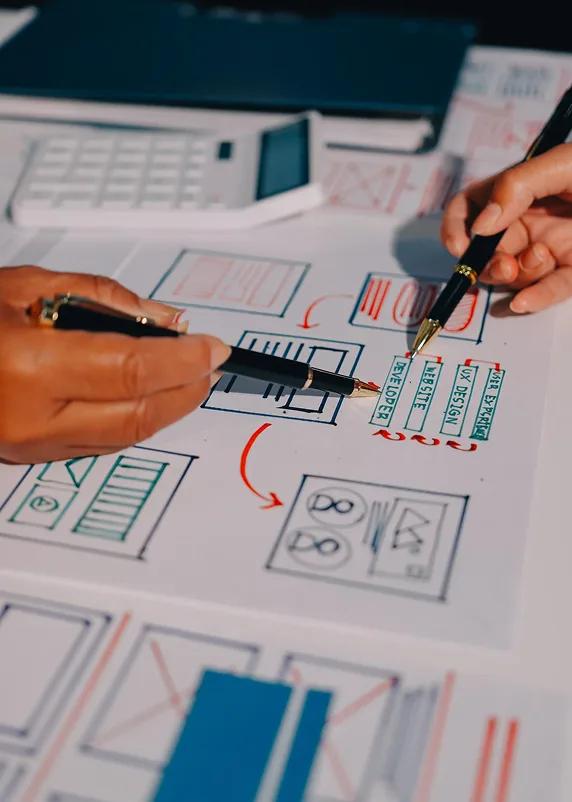
Clear deliverables reduce uncertainty for founders, product teams, and developers before build begins.
User segments, needs, motivations, and decision drivers.
Low-fidelity structure for testing layout, hierarchy, and flow logic.
Step-by-step journey maps for core product actions.
Navigation, content grouping, page structure, and feature organization.
Reusable components, tokens, typography, and responsive rules.
Polished web and mobile interfaces ready for review and handoff.
Clickable flows that simulate the experience before development.
Specs, assets, behavior notes, components, and guidance.
Strong UX uses behavioral patterns to reduce confusion, guide attention, and help users make confident decisions
Important actions should be easy to find, reach, and complete.
Reducing unnecessary choices helps users decide faster.
Familiar patterns make interfaces easier to learn and trust.
Information should be grouped to reduce cognitive load.
Key moments and final actions shape how users remember the experience.
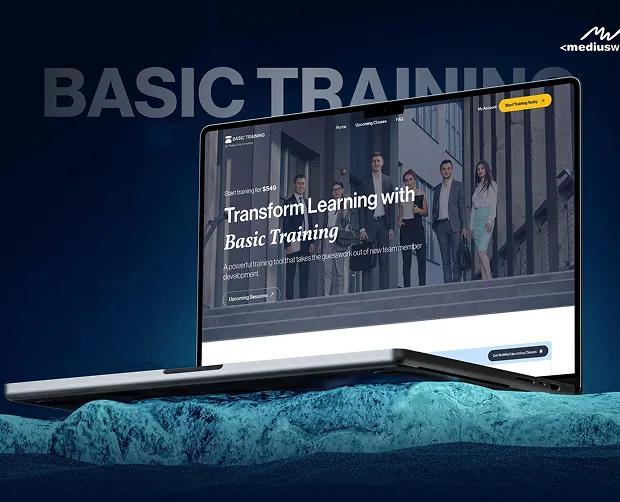
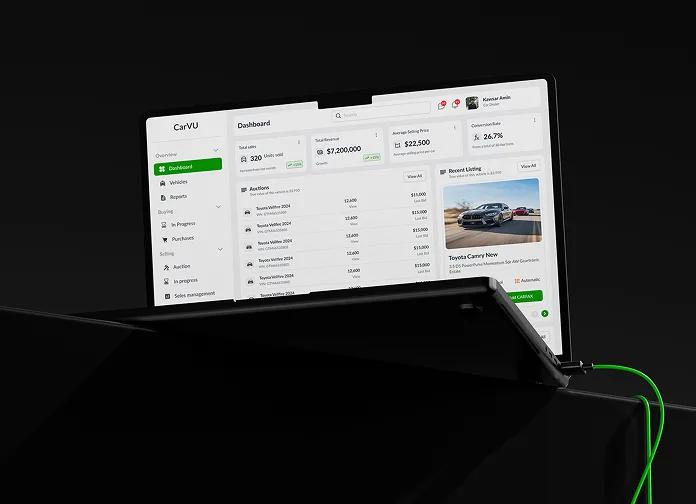
Explore selected projects where our teams solved product, engineering, and growth challenges.


Use a focused UX review to identify the experience gaps that may be hurting conversion, onboarding, adoption, or retention.
Everything you need to know before designing.