Our Figma design teams are shaping interfaces for dozens of active products. We can extend your team within 2 weeks, so you can move from ideas to polished designs—fast.



Figma design services we offer
Figma UI/UX Design
Figma Prototyping
Figma Design Systems
Figma Collaboration & Handoff
Figma Integration & Migration
Check our related case studies
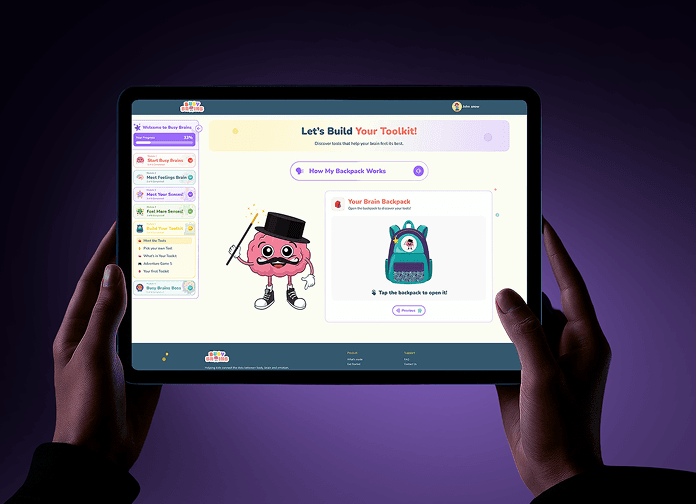

EdTech
Helping Children Understand Their Brain, Body, and Emotions with Busy Brains
UX ResearchProduct StrategyUI/UX DesignPrototypingDesign System
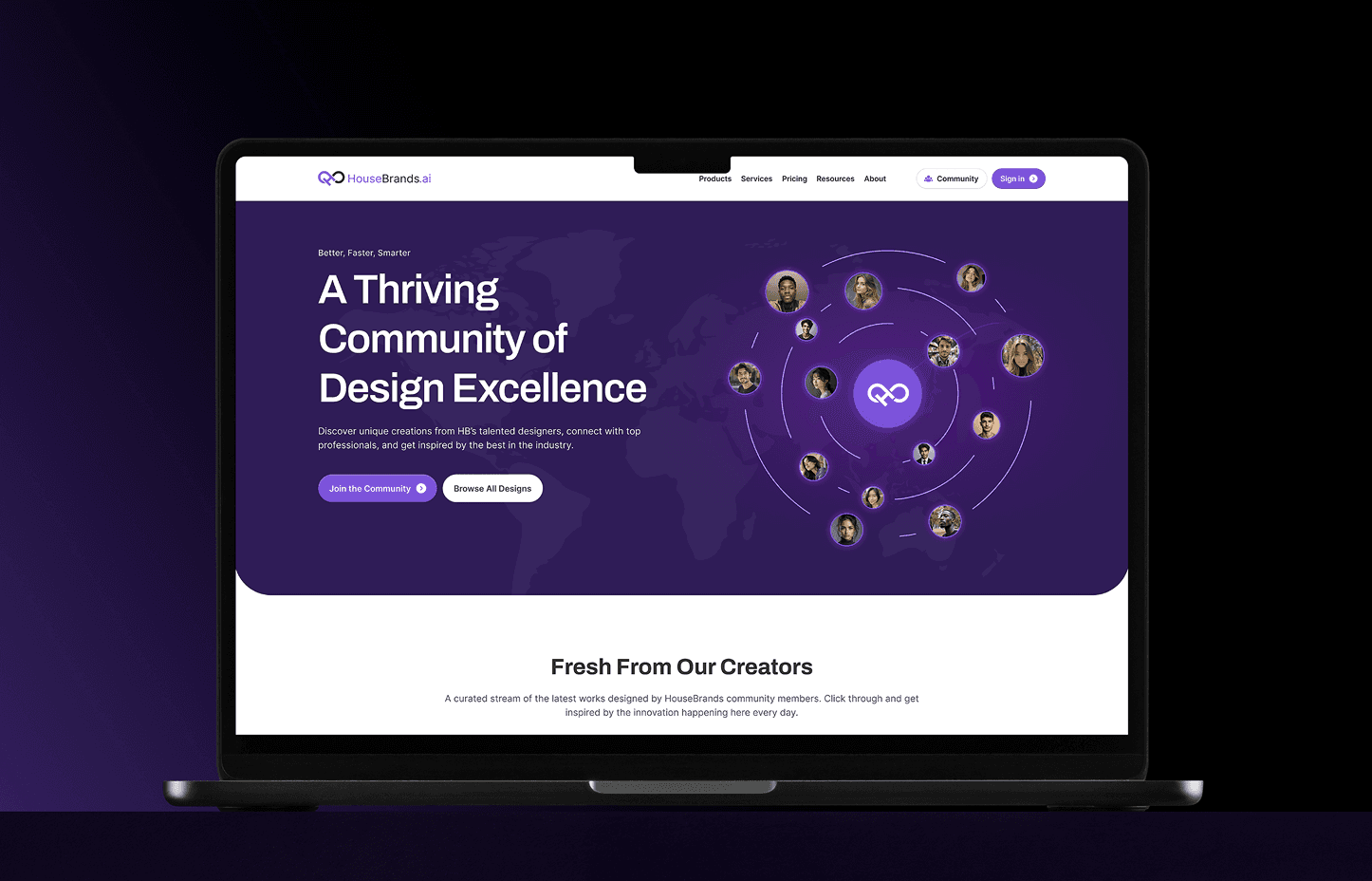

AI-Powered Interior Design
Designing the Future of Interior Spaces with HouseBrands AI
Product StrategyUX ResearchUI/UX DesignAI Experience DesignDesign SystemResponsive Web DesignSubscription and Credit SystemPlatform Development
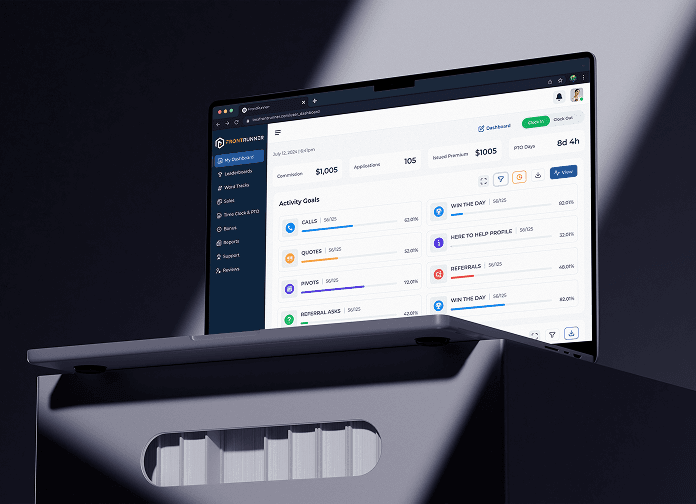

Turning Environmental Awareness Into Measurable Action
Why Choose Mediusware for Figma Development
Diverse Design Talent
Gain access to top-tier Figma designers, many with over a decade of experience creating user-friendly interfaces and design systems. Our specialists are skilled in Figma and related tools, ensuring your product designs are modern, consistent, and visually engaging.
Flexible Engagement Options
We offer different ways to collaborate whether you need a single designer embedded in your team, a dedicated design squad, or full-service project ownership. With a broad network of UI/UX professionals, we adapt to your needs, ensuring speed, creativity, and quality at every stage.
Timezone-Aligned Offshore Teams
Work with Figma designers who align with North American time zones. Since most of our clients are U.S.-based, we ensure overlapping hours for real-time collaboration, faster design reviews, and quicker iterations.
The figma ecosystem we used in previous work
Figma simplifies the entire design workflow with tools for wireframing, prototyping, and interactive mockups all in one place. This lets teams test ideas, validate flows, and refine experiences before development even starts.
- Figma Prototyping
- Interactive Components
- Smart Animate
- Auto Layout
Digital. Outcomes. Delivered.
Discovery call
We start by understanding your business goals, design requirements, timeline, and budget. This helps us identify the right design expertise your Figma project will need—whether it’s UI/UX, prototyping, or building a full design system.
Team setup & roadmap
We then assemble the right designers and assign a dedicated project manager to guide the process. A clear roadmap is created with milestones and deliverables, ensuring every stage of the design aligns with your product vision.
Execution & tracking
Once the design team is onboarded, work begins right away. We handle execution independently while keeping you updated through regular progress reports. You’ll have the freedom to scale the team or shift priorities as your design needs evolve.
Frequently Asked Questions
Figma services typically cover UI/UX design, wireframing, prototyping, building design systems, and preparing assets for developer handoff. Some teams also offer plugin customization and workflow integration.