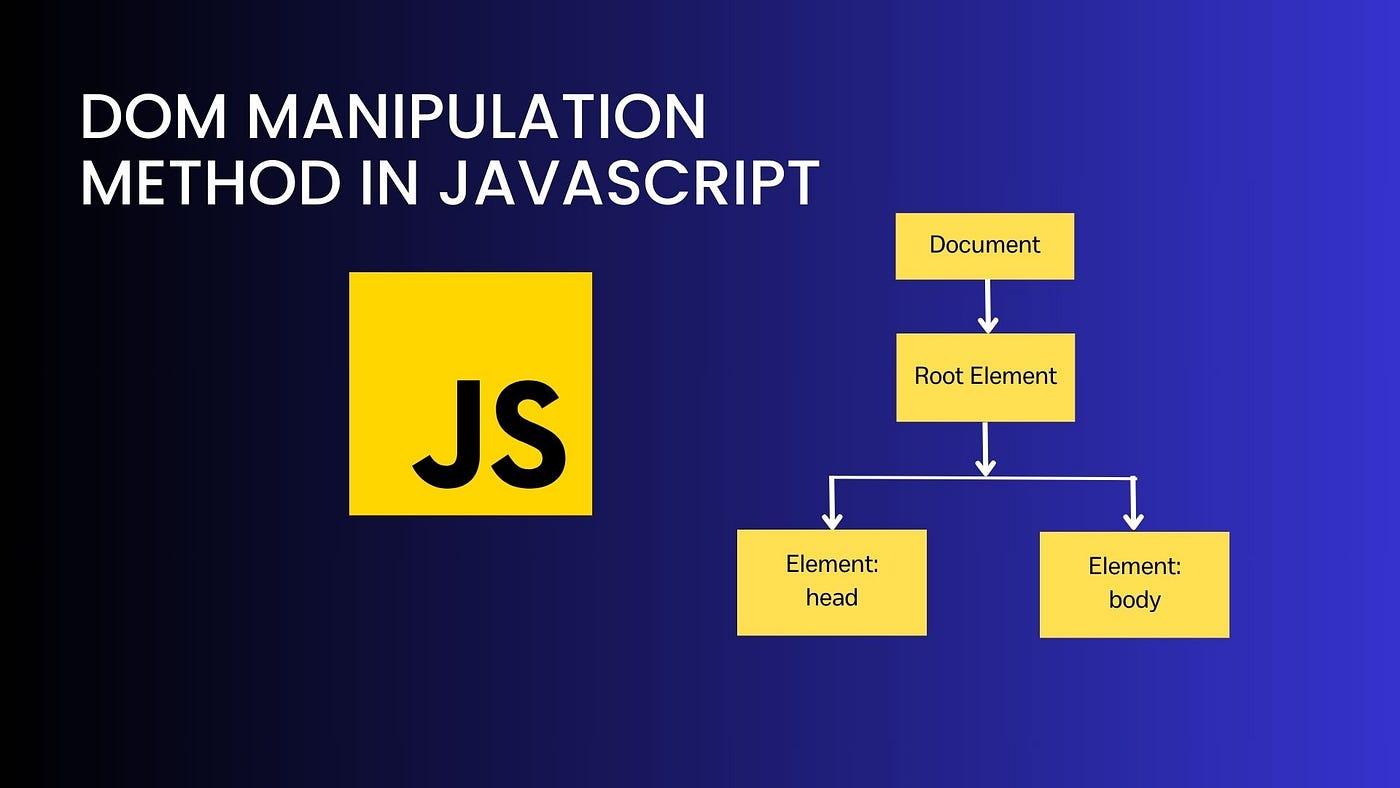
DOM Manipulation Basics

  • Learn to select and modify elements on your webpage using JavaScript.

  • Understand how to create, append, and remove elements dynamically.

  • Hands-on project: Build a simple interactive shopping list.

  • Improve user experience by making your web pages more responsive and dynamic.

Last Update: 11 Oct 2024
DOM Manipulation Basics image

Introduction to the DOM

Selecting Elements

Modifying Elements

Creating and Removing Elements

Hands-On: Build a Simple Interactive Web Page

Final Thoughts

Frequently Asked Questions

Use getElementById when you want to quickly select an element by its unique ID. It’s the fastest method, but it only works for IDs. If you need more flexibility, such as selecting elements by class, tag, or more complex CSS selectors, use querySelector. This method is more versatile but may be slightly slower if you're selecting a lot of elements.

Author

Content Team at Mediusware

We are the Mediusware Editorial Team, passionate about crafting insightful content on technology, software development, and industry trends. Our mission is to inform, inspire, and engage our audience with well-researched articles and thought leadership pieces. With a deep understanding of the tech landscape, we aim to be a trusted source of knowledge for professionals and enthusiasts alike.
Get the best of our content straight to your inbox!

By submitting, you agree to our privacy policy.

Let's
Talk