-
Not all AI chatbots help you think. Some just help you move faster.
-
Each tool shines in a different kind of real-world work.
-
Smart teams use AI by role, not by popularity.
-
Judgment and context still matter more than features.
ChatGPT vs. Gemini vs. Claude vs. Copilot vs. Perplexity: What Matters for Real Work
Published on: 17 December 2025
Last updated on: 15 June 2026

If you’ve used an AI chatbot recently, it probably saved you time.
But here’s the uncomfortable question most people avoid asking:
Did it actually help you think better, or just faster?
In 2025, AI assistants are no longer experiments. They sit inside your browser, your inbox, your code editor, and your documents. You use them to write, research, plan, debug, and decide. And yet, the experience feels wildly different depending on which one you open.
ChatGPT feels like a thinking partner.
Claude sounds human but careful.
Gemini fits neatly into your workflow.
Copilot works quietly in the background.
Perplexity feels more like a search engine that talks back.
They all claim to be intelligent.
They all promise productivity.
But they don’t help you in the same way.
So the real question isn’t which AI chatbot is the smartest.
It’s which one earns its place in your real, everyday work.
This comparison is written for people who actually use these tools. Not to explore features, but to understand tradeoffs, strengths, limits, and when each assistant genuinely helps, or quietly gets in the way.
What Most AI Chatbot Comparisons Get Wrong
Before we compare tools, let’s clear something up.
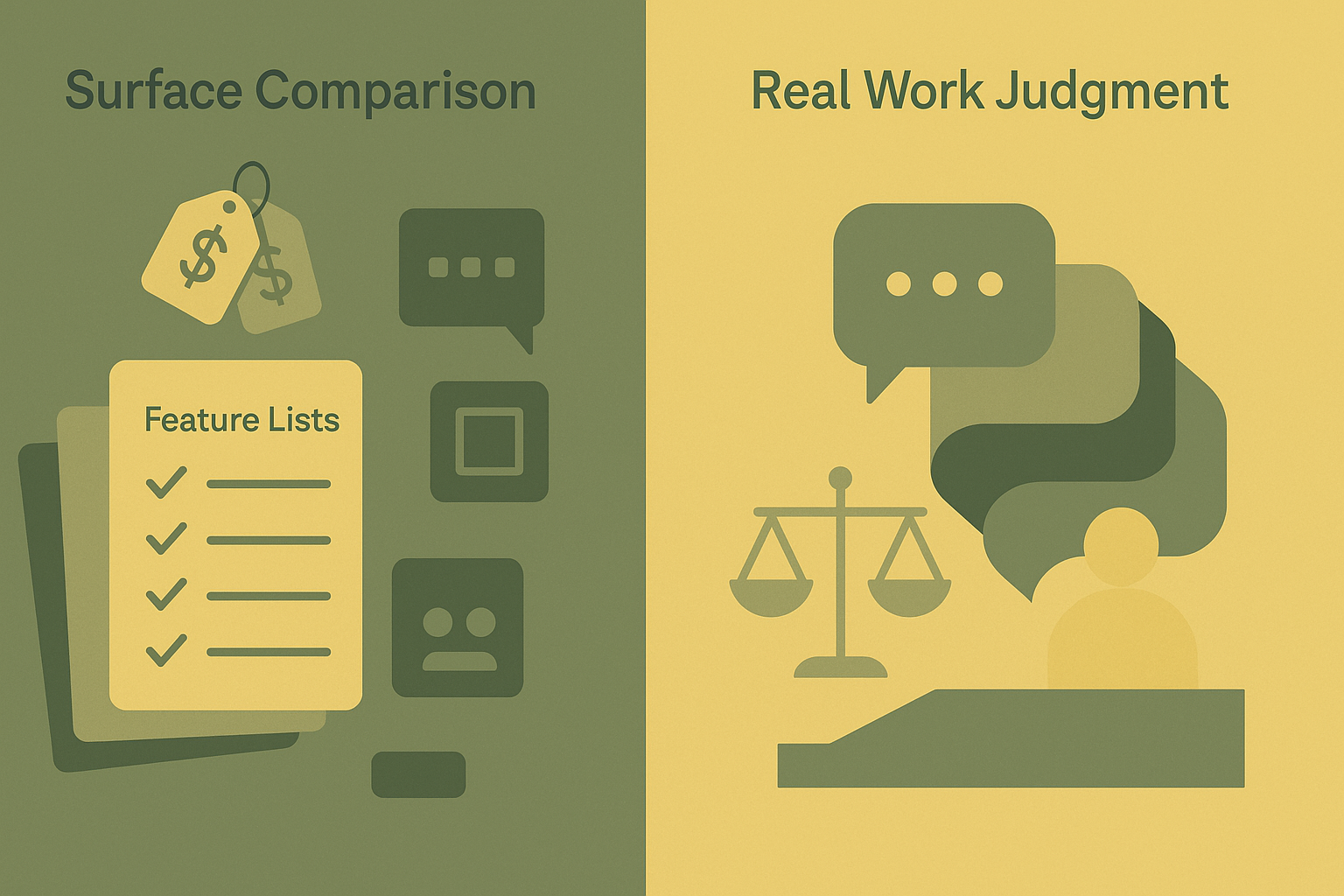
Most AI chatbot reviews focus on surface details:
- Model names
- Pricing tiers
- Feature lists
- Launch dates
That information matters. But it doesn’t explain why one tool feels reliable while another feels slippery. Or why some answers feel thoughtful while others feel confident but shallow.
The real difference between AI assistants shows up in how they handle uncertainty, judgment, and context.
That’s where this comparison starts.
ChatGPT: The Best Tool for Thinking Out Loud
ChatGPT is often described as the most popular AI assistant. That’s true. But popularity isn’t its real advantage.
Its real strength is reasoning flow.
When you ask ChatGPT a complex question, especially one that involves decisions, tradeoffs, or explanation, it tends to slow things down instead of rushing to an answer.
For Example
Ask ChatGPT whether you should refactor a system now or wait six months.
Instead of immediately listing pros and cons, it often reframes the problem:
- What’s the cost of waiting?
- What breaks if you act too early?
- Who pays the price for either choice?
That kind of response is rare. And valuable.
Where ChatGPT struggles
ChatGPT can sound very sure of itself, even when information is outdated or uncertain. If you don’t challenge it, it may present assumptions as facts.
This means it works best when you push back, iterate, and question its answers, not when you treat them as final.
Best for
- Reasoning through decisions
- Explaining code and concepts
- Structuring ideas and arguments
- Drafting and revising content
Less ideal for
- Time-sensitive facts without verification
- Situations where citations are critical
Gemini: Strong Context, Safe Judgment
Gemini’s biggest advantage is where it lives.
It’s deeply integrated into Google’s ecosystem, which makes it immediately useful if you spend your day inside Docs, Gmail, Sheets, and Search.
What Gemini does well
Gemini is excellent at contextual understanding.
Give it a long document, a messy email thread, or meeting notes, and it can:
- Summarize intent, not just text
- Pull out action items
- Identify missing information
For operational work, that’s powerful.
Where Gemini falls short
Gemini is cautious.
When asked to take a strong stance or make a recommendation, it often hedges. You’ll see balanced answers even when a clearer opinion would help more.
That makes it safe.
But sometimes frustrating.
Best for
- Document-heavy workflows
- Google Workspace users
- Planning and summarization
Less ideal for
- Strategic judgment
- Creative or opinionated work
Claude: The Most Human Writer
Claude stands out immediately because of how it sounds.
The writing is calm.
Clear.
Measured.
It avoids jargon. It avoids overexplaining. And it often produces text that feels ready to share.
Why people trust Claude’s writing
Claude is excellent at restraint.
If you ask it to rewrite a paragraph for clarity, explain a concept to a non-technical audience, or draft internal communication, it often delivers something clean and readable on the first pass.
This makes it especially useful for:
- Emails
- Internal documentation
- Educational content
The tradeoff
Claude can be overly cautious with complex reasoning. When tasks require deep logic chains or decisive recommendations, it may underperform compared to ChatGPT.
Best for
- Writing and editing
- Clear explanations
- Communication-heavy roles
Less ideal for
- Complex technical reasoning
- Exploratory problem-solving
Copilot: The Quiet Productivity Multiplier
Copilot doesn’t want to talk to you.
It wants to help you while you work.
And that’s intentional.
Where Copilot shines
Inside IDEs and Microsoft tools, Copilot feels natural. It:
- Predicts code patterns
- Completes repetitive logic
- Reduces manual effort
You don’t stop to prompt Copilot. You let it operate in the background.
That makes it extremely effective for developers who already know what they’re doing.
Its limitation
Copilot is narrow.
Ask it about architecture, tradeoffs, or long-term decisions, and it quickly hits its limits.
Best for
- Day-to-day coding
- Microsoft ecosystem users
- Staying in flow
Less ideal for
- Big-picture thinking
- Research or planning
Perplexity: The Research Tool Others Pretend to Be
Perplexity doesn’t try to sound human.
It tries to be right.
What makes Perplexity different
Perplexity is built around verifiable answers.
Instead of generating responses in isolation, it:
- Pulls from live sources
- Shows citations
- Encourages cross-checking
For research, market analysis, and unfamiliar topics, this matters more than eloquence.
The downside
Perplexity is less flexible.
Less conversational.
Less creative.
It feels closer to a next-generation search engine than a collaborator.
Best for
- Research and analysis
- Fact-checking
- Early discovery
Less ideal for
- Writing
- Brainstorming
- Strategic discussion
Side-by-Side Comparison
|
AI Tool |
What It Does Best |
Where It Falls Short |
|
ChatGPT |
Reasoning, synthesis |
Overconfidence |
|
Gemini |
Context, summaries |
Hesitant judgment |
|
Claude |
Writing clarity |
Conservative reasoning |
|
Copilot |
In-flow productivity |
Narrow scope |
|
Perplexity |
Research accuracy |
Limited creativity |
What Experts Keep Reminding Us
Martin Fowler, a respected voice in software architecture, has long argued that tools don’t determine outcomes, teams do.
The same applies to AI assistants.
AI doesn’t replace thinking.
It exposes how you think.
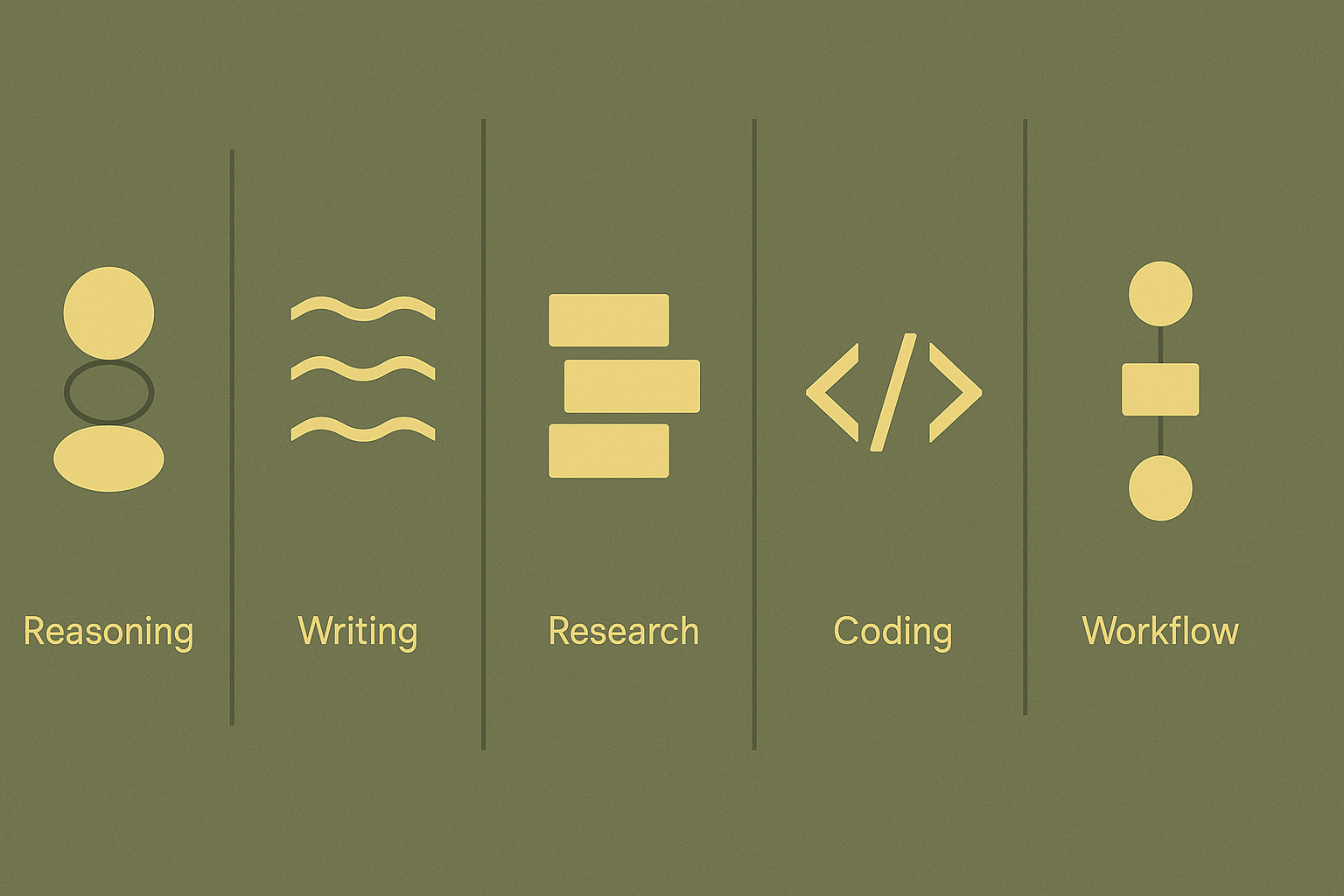
Teams that rely on one AI tool for everything inherit its blind spots. The most effective teams in 2025 don’t choose one assistant. They assign roles.
- One for reasoning
- One for research
- One for writing
- One for execution
That’s the real advantage.
The Mistake Most Teams Make
They ask:
Which AI should we standardize on?
A better question is:
Where do we need better thinking, not just faster output?
Once you answer that, the right combination becomes obvious.
Final Thoughts
AI assistants are no longer optional tools. They influence how decisions are made, how ideas are shaped, and how work gets done.
But intelligence isn’t about how much an AI knows.
It’s about how clearly it helps you see.
Choose accordingly.

We are the Mediusware Editorial Team, passionate about crafting insightful content on technology, software development, and industry trends. Our mission is to inform, inspire, and engage our audience with well-researched articles and thought leadership pieces. With a deep understanding of the tech landscape, we aim to be a trusted source of knowledge for professionals and enthusiasts alike.
Featureblogs
Relatedblogs
01
7 Ways to Ensure Data Security When Outsourcing Software Development02
How to Create a Stunning WordPress Website in 2024: Step-by-Step Tutorial03
How Mediusware Empowered Protesters, Strengthened the Economy & Showcased Employee Resilience in the 2024 Movement04
Mastering Error Handling in Rust with Essential Techniques05
Best Practices for Writing Clean Code